Introducing Philips SpeechLive Professional Direct: Professional speech recognition for everyday business

Bring familiar dictation practices into your everyday business writing. Philips SpeechLive Professional Direct combines professional speech recognition with real-time text at the cursor and voice-controlled editing. Discover how custom vocabulary and text replacements support your organization’s terminology while you stay in control of the final wording.

Author
Alice Elt Alice Elt
Category
Product
Published
10 Nov 2026
Reading time
5 min
Businesswoman using laptop at table

The client call is over, and the next steps are clear. A delivery date has changed, one question needs a follow-up, and colleagues need an update before the next project meeting. You know what you want to say. You still need to put it into writing, adjust the wording and check the details.

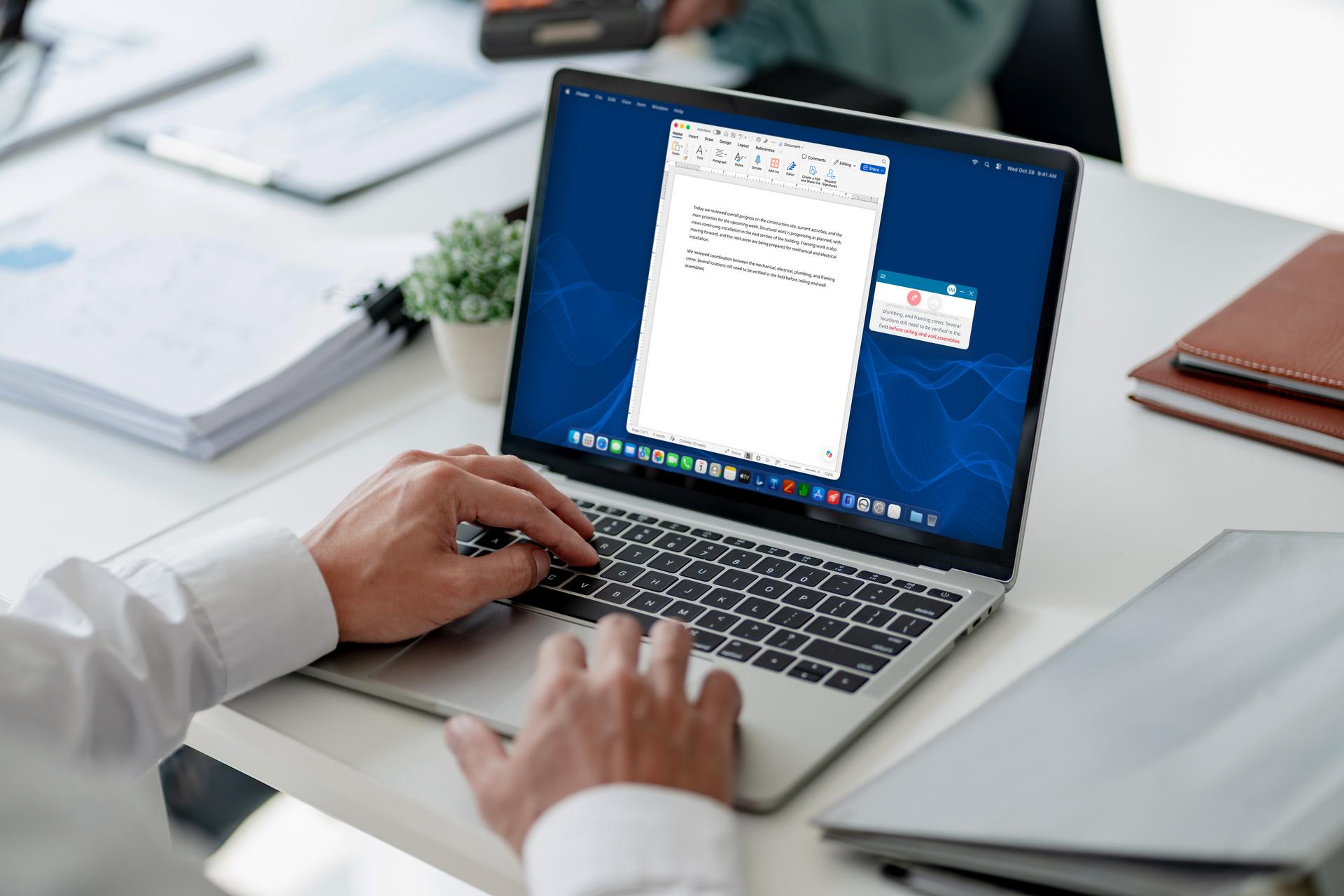
Philips SpeechLive Professional Direct brings professional speech recognition into the working day. Dictate directly at the cursor in compatible desktop applications, then use supported voice controls to navigate the text. Speech Recognition Professional learns the language and terminology your organization uses regularly, while you remain responsible for reviewing and finalizing the result.

Table of contents

What is Philips SpeechLive Professional Direct?

Philips SpeechLive Professional Direct is a professional speech recognition solution within SpeechLive. It turns dictation into text directly at the cursor in compatible desktop applications. It combines Speech Recognition Professional, custom vocabulary, text replacements and supported voice commands for navigation, editing and formatting, so users can compose and refine their own text.

The rebuilt SpeechLive desktop app supports the Direct experience, while AI-assisted document generation is available separately through SpeechLive Professional AI Assistant. That option helps turn multiple source attachments into structured document drafts via custom templates. For more on that workflow, read our introduction to SpeechLive Professional AI Assistant.

How does SpeechLive Professional Direct work?

The workflow follows five steps:

  1. Prepare the desktop app and microphone. Install the current SpeechLive desktop app for your supported computer, sign in and select your microphone and recognition language. Check the setup guidance for any permissions your operating system requires.
  2. Position the cursor. Open the document in a compatible desktop application and click where the new text belongs. This keeps the dictated wording in the document you are already preparing.
  3. Dictate your wording. Speech Recognition Professional automatically starts and picks up what you say as you speak the sentences you want to write. Work through the information you want to record, checking the text as it appears.
  4. Use supported voice controls. For example, “Go to end” moves the cursor to the end of the text. “Bold that” applies bold formatting to selected text. Consult the in-app command guide for your active language.
  5. Review and finalize. Stop dictating, read the complete update and correct anything that needs attention. Save or share it through your usual process once the content is ready.

Who is it for, and what can you dictate?

Speech recognition for business can fit recurring writing tasks where a professional knows the content and wants to compose it by voice. Existing dictation users may recognize the process. Professionals reviewing their business dictation software can consider how direct-at-cursor speech recognition, custom vocabulary and voice controls fit the documents they write most often.

Illustrative applications include:

  • Project updates: Explain progress, revised deadlines and responsibilities in an existing report.
  • Client correspondence: Compose an email confirming a discussion or requesting outstanding information.
  • Inspection notes: Write up observations from a site visit, keeping confirmed findings separate from issues needing investigation.
  • Internal reports: Document an operational issue, explain its impact and record the proposed next steps.

These examples share a practical requirement: the writer chooses the wording and checks that the finished text communicates it clearly. Suitability also depends on the applications and voice controls supported in the working environment.

Why recognizing your organization’s terminology matters

A dictation may contain a company name, product name or abbreviation that appears throughout the team’s correspondence. Supporting those recurring terms matters when choosing dictation software for professionals.

SpeechLive Professional Direct provides different tools for recognition and reusable wording:

  • Vocabulary helps recognition handle frequently used names and specialist terms. Add the written term you want recognized, such as a recurring project title.
  • Replacements convert a configured spoken expression into predefined text. For example, when saying the term “SLA”, the transcript would be automatically expanded to “Service Level Agreement”.
  • Frequently used passages, such as an office address or standard closing, can be inserted through configured replacement rules, avoiding the need to dictate the full passage each time.

Users can set individual Replacements to support individual shortcuts, while administrators manage account-level rules for shared wording. Vocabulary and Replacement settings are language-specific. For professionals, these tools can support their organization’s terminology while leaving the wording of each document to them.

Reviewing your text and handling business information

Review the complete document before using it. Check names, figures and dates, then read for meaning. A correctly spelled sentence can still describe the wrong deadline or leave responsibility unclear.

For the project update, distinguish a confirmed delivery date from a proposed one. Check that each action has the right owner and that any reusable text fits the current situation.

SpeechLive uses Microsoft Azure hosting, with published storage locations based on service region. Review the data security and hosting information and SpeechLive Trust Center against your organization’s requirements for the business information you plan to handle.

Bring professional speech recognition into your daily workflow

After the meeting is finished, professionals still need to decide and document what colleagues need to know. SpeechLive Professional Direct provides a way to put that wording into a compatible application by voice, adjust the text and prepare it for review. It saves time by avoiding manual typing, giving you the freedom to just speak to create your text.

Explore Philips SpeechLive Professional Direct to learn how it could fit your recurring writing tasks. Book a demo to discuss your applications, terminology and workflow with the SpeechLive team.

Try professional speech recognition at cursor today

Book a demo and experience Philips SpeechLive Professional Direct today.