Solution

Philips SpeechLive Legal AI Assistant
Structured, ready-to-review legal documents

Philips SpeechLive Professional AI Assistant
AI-Assisted documents tailored to the way you work

Philips SpeechLive Legal Direct
Legal speech recognition, directly at cursor

Philips SpeechLive Professional Direct
Professional speech recognition that speaks your organization's language

Dictation & transcription
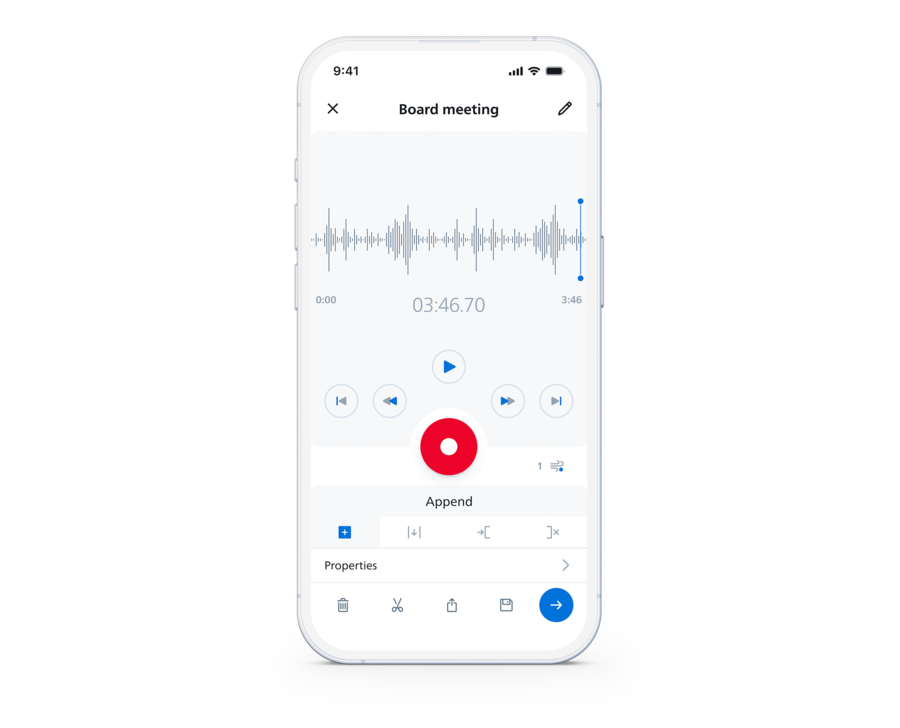
Record, transcribe, and manage your dictations


Content

Blog
Insights and trends

Success stories
Real-world examples

White papers & eBooks
Insights on speech technologies
Explore

Events
Meet us

Webinars
Watch recorded expert-led sessions

Media & press
Latest news and updates