Legal dictation at cursor or AI-assisted document drafting? Understanding the difference

Explore the difference between legal speech recognition and a legal AI assistant. Learn how real-time dictation at the cursor compares with creating a structured document draft from a recording and supporting files – and how to choose the workflow that fits the task.

Author
Alice Elt Alice Elt
Category
Guides, Productivity
Published
16 Nov 2026
Reading time
5 min
Businesswoman in suit sat at a desk in an office using laptop to prepare with SpeechLive Legal Direct

Legal professionals can use legal speech-to-text in different ways. Legal speech recognition turns dictation into text. A legal AI assistant goes a step further, using dictation and supporting files to create a structured document draft.

Both approaches can support legal documentation, but they suit different tasks. The right choice depends on whether you want to compose text directly in an application or use AI-assisted legal document drafting to turn information from a recording and additional files into a structured document.

Table of contents

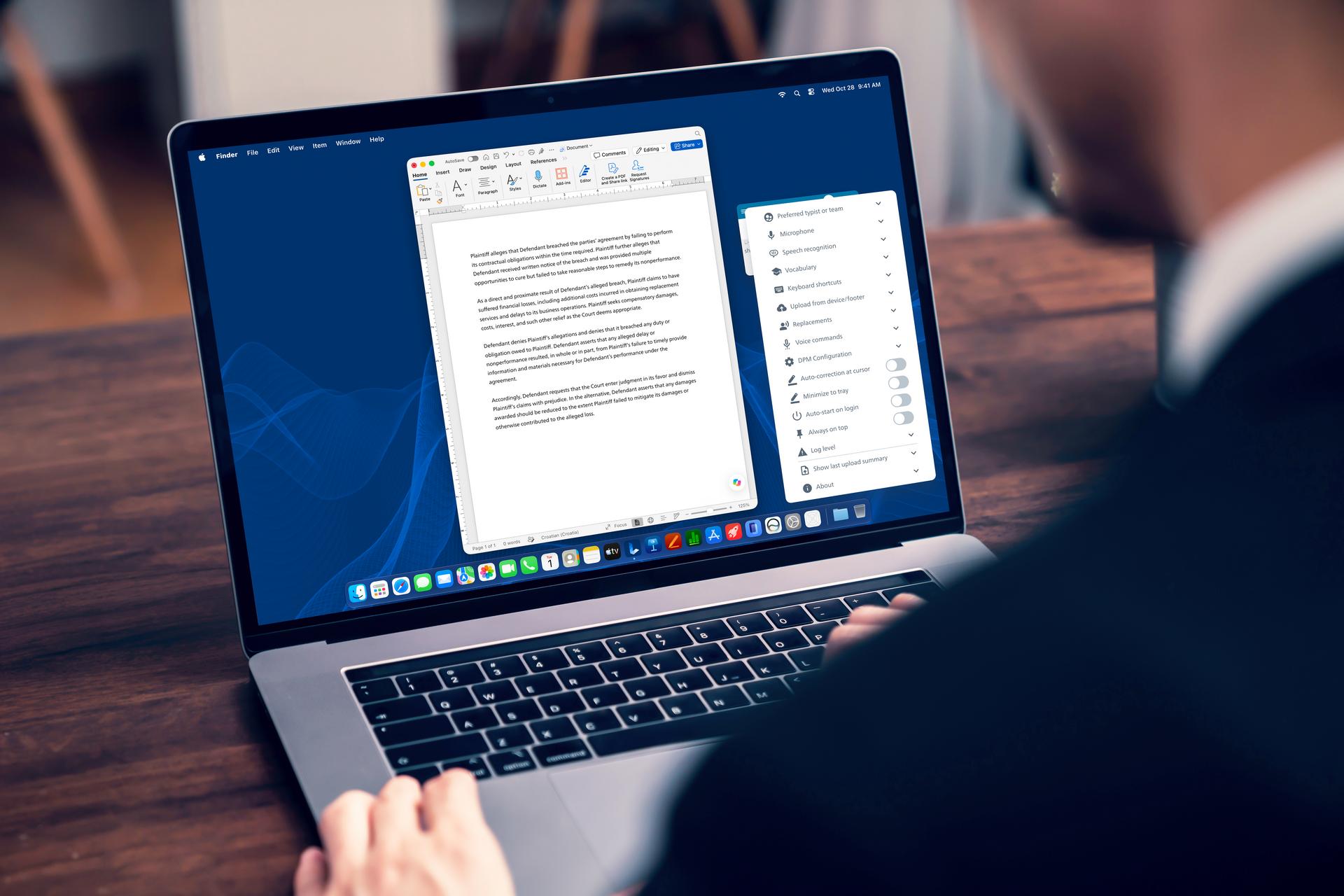
Legal speech recognition converts spoken words into written legal language. With real-time recognition, a lawyer can dictate directly into a supported desktop application, such as Microsoft Word. The text appears at the cursor as they speak. The user or their legal assistant can then review and edit it, including with supported voice commands.

Philips SpeechLive Legal Direct is designed for this kind of workflow. Its specialist legal speech recognition is built to recognize legal vocabulary, terminology, citations, references and commonly used legal expressions. Users can also configure custom vocabulary and text replacements for terms or preferred written forms.

This approach can suit professionals who want to save time by speaking emails, notes, letters and other text as they work in their usual applications. They remain in control of the wording and structure as they dictate, and can make corrections along the way.

Legal speech recognition can also sit alongside established dictation and transcription workflows. SpeechLive Legal Direct combines real-time dictation with the wider SpeechLive environment for managing dictations and transcription tasks. Discover more about SpeechLive Legal Direct in our introduction article here.

A legal AI assistant helps turn audio files and supporting files into a structured document draft. The user provides a recording or captures dictation, then selects a standard or custom template. The AI uses the available information to populate that structure. The AI Assistant includes relevant information from those files according to the selected template; it does not create additional information.

Philips SpeechLive Legal AI Assistant can also use supporting files, such as notes or other case materials, to provide additional context for a draft. Users can review and refine the result manually or through voice prompts or typing in an AI chat. They can then export it or make it available to a typist through supported SpeechLive workflows. Read more about the SpeechLive Legal AI Assistant in our in-depth guide here.

This workflow can help when a task involves gathering information from multiple sources and organizing the relevant details into a document structure. Examples include attendance and file notes, consultation summaries, witness statements and routine correspondence. Custom templates can help firms shape drafts around their preferred document sections.

The assistant creates a draft for review. The legal professional remains responsible for checking the information, making any necessary changes and approving the document.

Which workflow fits your task?

Consider how you want to work with the information.

If you want text to appear as you speak, directly in a document or application, legal speech recognition at the cursor may be the better fit. It supports a hands-on approach: speak the text, control it as you go and review the result in place.

If you have a dictation and additional files, and want relevant information from them organized into a document format, AI-assisted legal document drafting may be more suitable. The assistant uses the selected template to organize relevant information into a first draft. You remain in control of checking and refining it into a final document.

Some legal teams may use both approaches for different tasks. A lawyer might dictate a short email directly using legal speech-to-text, then use an AI assistant to prepare a routine consultation summary from a recording and supporting notes. The workflows address different documentation needs.

Choosing an approach for legal documentation

When evaluating legal dictation software or AI for legal work, start with the task rather than the technology label. Ask whether the user needs text to appear as they speak, or whether they need information brought together and arranged into a structured document draft.

Also consider the documents your team creates regularly, the applications and workflows you already use, and how professionals will review and finalize the output. These factors can help clarify whether direct speech recognition or AI-assisted drafting is the better fit. A combination of the two might suit your needs best.

SpeechLive Legal Direct and SpeechLive Legal AI Assistant offer distinct ways to work with spoken information. One supports real-time dictation and voice-driven text control in the desktop app. The other helps create structured legal document drafts from dictation and supporting context. Understanding that difference is a useful first step when exploring legal speech recognition and AI-assisted documentation.

Try legal speech recognition at cursor today

Book a demo and experience Philips SpeechLive Legal Direct today.