



Step 1: Prepare
Set up the desktop app,microphone and recognition language.


Introducing Philips SpeechLive Legal Direct
Turn spoken legal input into recognized text directly at the cursor, with speech recognition tuned for legal language and terminology – built into SpeechLive workflows.



How it works
Turn spoken legal input into real-time text at the cursor, then navigate, edit and format by voice – all within SpeechLive.
Speak it – legally specialized speech recognition

See it – real-time text at the cursor

Shape it – navigation, editing and formatting by voice

Review it – finalize under human control
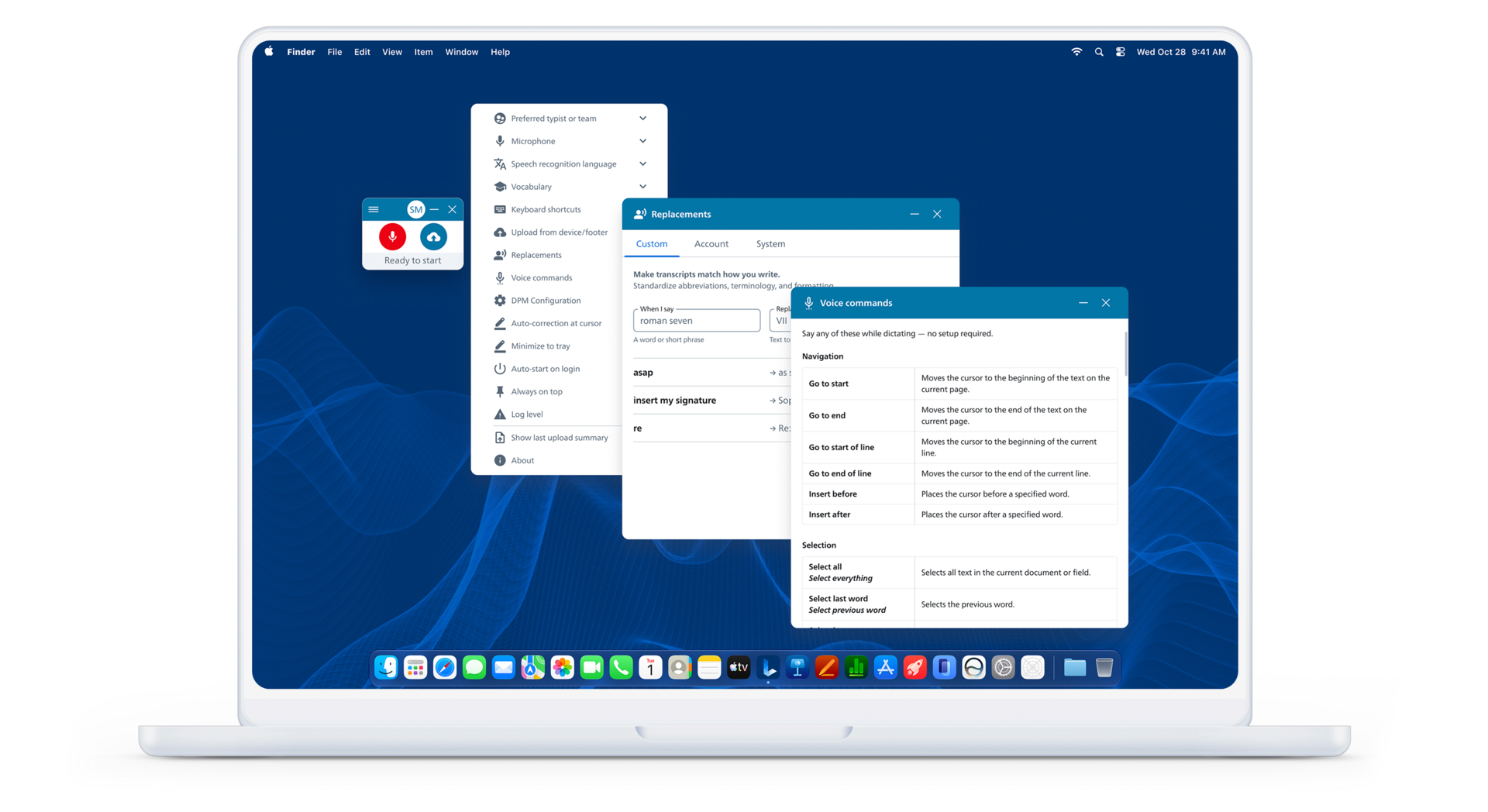
Core capabilities of SpeechLive Legal Direct
SpeechLive Legal Direct brings specialized legal speech recognition, real-time text at the cursor, voice-driven control and SpeechLive workflows together in one desktop experience.
Speech recognition tuned for legal vocabulary, citations, case references and common legal phrasing.
Dictate in compatible applications and see recognized text appear directly at the cursor as you speak.

Use spoken punctuation and voice commands to navigate, edit and format text without breaking your flow.
Voice-powered productivity
Legal professionals want the accuracy they trust and the AI capabilities they need. SpeechLive Legal Direct delivers both.

– Specialist legal terminology
– Familiar voice commands and workflows
– Voice-driven document navigation
– Custom vocabulary and text replacements

– AI-assisted document drafting
– Modern digital workflows
– New ways to create and work with documents
– Greater possibilities for automation

– Specialist legal speech recognition
– Real-time dictation directly at the cursor
– Familiar voice commands and custom vocabulary
– Voice-driven document navigation and editing
+ Optional AI-assisted drafting through the separate Legal AI Assistant

Flexibility and control
Set up the desktop app,microphone and recognition language.
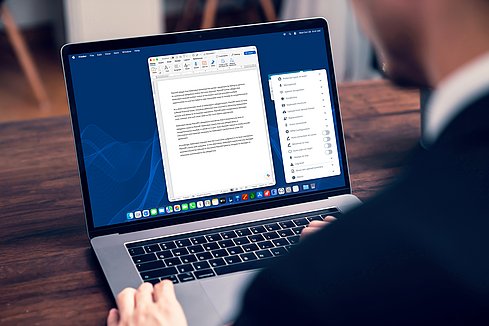
Speak and see legal text appear directly at the cursor.

Correct, format and finalise text using supported voice commands and human review/control
SpeechLive Legal Direct adds specialized legal speech recognition to the SpeechLive platform, already used to create, route and manage dictation, speech recognition and transcription workflows.
It combines Speech Recognition Legal with existing SpeechLive workflows, so legal professionals can dictate directly at the cursor without moving to a separate environment.
Where needed, AI-assisted document creation remains available in SpeechLive via SpeechLive Legal AI Assistant.
Built for SpeechLive Legal Direct
The SpeechLive desktop app has been completely rebuilt to support the Direct experience – bringing real-time speech recognition at the cursor, voice-driven navigation, editing and formatting into a more capable desktop environment.
It also introduces a broader set of desktop features designed around how professionals actually dictate and work, while remaining connected to SpeechLive workflows.
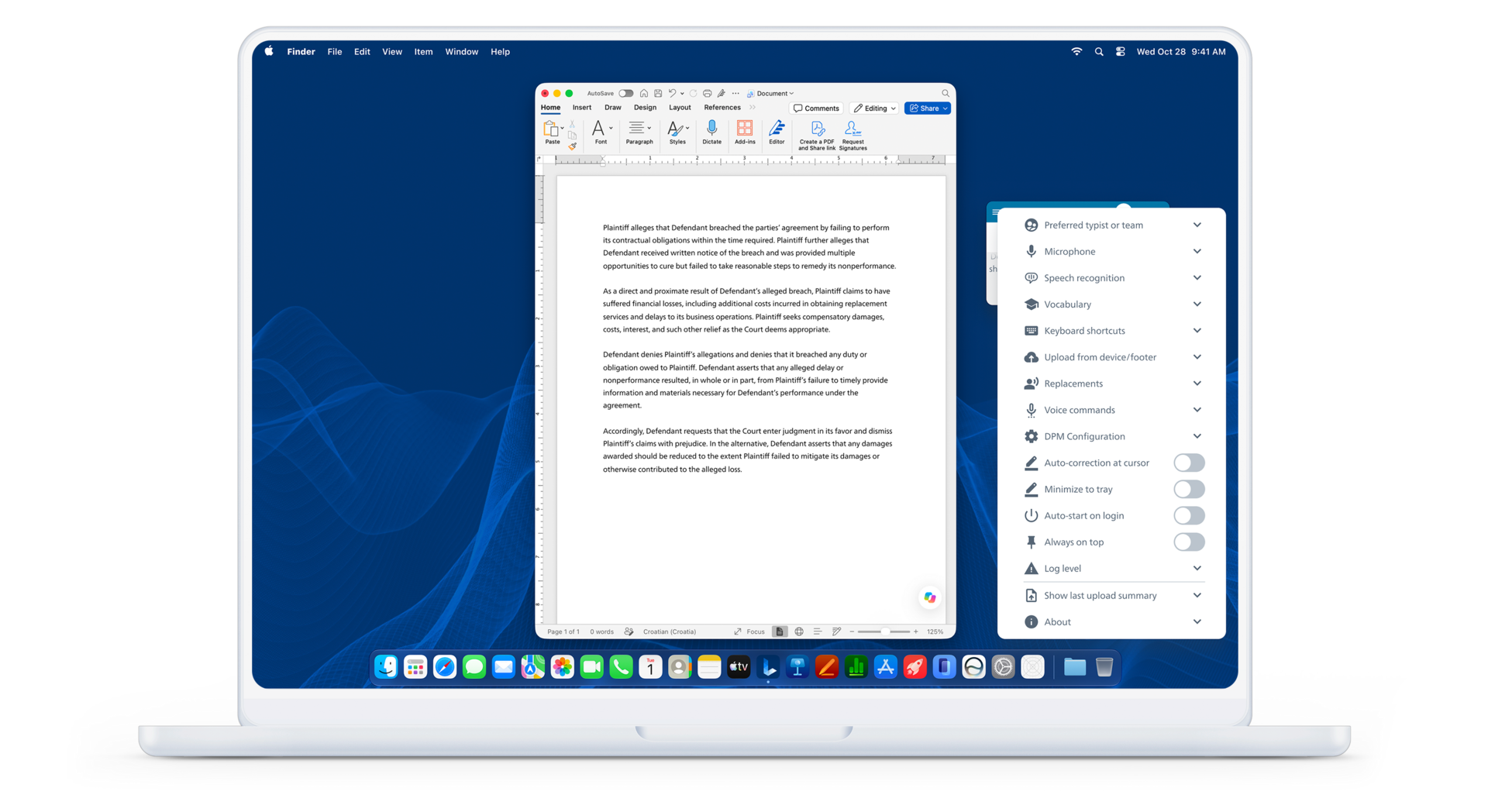
More features of SpeechLive Legal Direct
SpeechLive Legal Direct brings specialized legal speech recognition, real-time text at the cursor, voice-driven control and SpeechLive workflows together in one desktop experience.
Supports navigation, selection, editing and formatting with a predefined set of commands.

Substitute a recognized word or phrase with predefined text, to quickly and easily change a specified expression to its configured written form
Improves the recognition of frequently used specialist terminology, to help the engine input the intended word or phrase more consistently

Automatically distinguish between speakers during a recording or conversation, including timestamps showing when each contribution occured.

Control how punctuation is inserted during dictation, using either automatic or spoken punctuation, to better structure the resulting text
Secure
With SpeechLive, your data security is prioritized with robust encryption and backup solutions. We don’t just meet compliance standards — we build security into every part of the platform. From encrypted recordings to role-based access controls, SpeechLive ensures your data is protected at every stage of the workflow.

We have chosen Microsoft Azure as our hosting partner for dictations. As the world’s leading enterprise level provider of a platform for cloud-hosted solutions, Microsoft Azure maintains strict security standards and processes to ensure the highest level of data privacy and security.

Your data is stored securely in designated Microsoft Azure data centre locations based on your service region. Our published hosting locations provide clear visibility into where SpeechLive data is stored and support applicable data-protection requirements.

Microsoft Azure services are highly reliable. Microsoft prides itself in promising a 99.9% uptime guarantee — 24 hours a day, 7 days a week and 365 days a year.

Users can create backups of all dictations, to recover them at a later point if necessary. Accidentally deleted dictations can be restored by the account administrator up to 30 days.
No. SpeechLive Legal Direct is available for both new customers and existing SpeechLive users. Existing users can add Speech Recognition Legal to their current SpeechLive setup; new customers can start with a new SpeechLive Legal Direct plan.
Yes. SpeechLive works with the following supported Philips dictation microphones, voice recorders and transcription hardware: SpeechMike Premium LFH3500, SMP3700/4000, SpeechMike Ambient PSM5000. So existing equipment can remain part of your workflow.
SpeechLive Legal Direct turns speech into text directly at the cursor in compatible desktop applications, so you can work in the software you already use rather than moving into a separate dictation environment.
Legal Direct is centered on specialized legal speech recognition and direct-at-cursor dictation. AI-assisted document creation is available separately within SpeechLive through SpeechLive Legal AI Assistant.
Yes. Your team can be supported through planning, setup and migration, followed by onboarding and training so users can move into the new SpeechLive environment with minimal disruption.
Yes. Your team can be supported through planning, setup and migration from SpeechExec to SpeechLive. Onboarding and training follow as users move into the new environment.