Filter and sort dictations
You can customize the dictation list, change the sorting as well as the filtering of the dictations or manually rearrange the displayed columns:
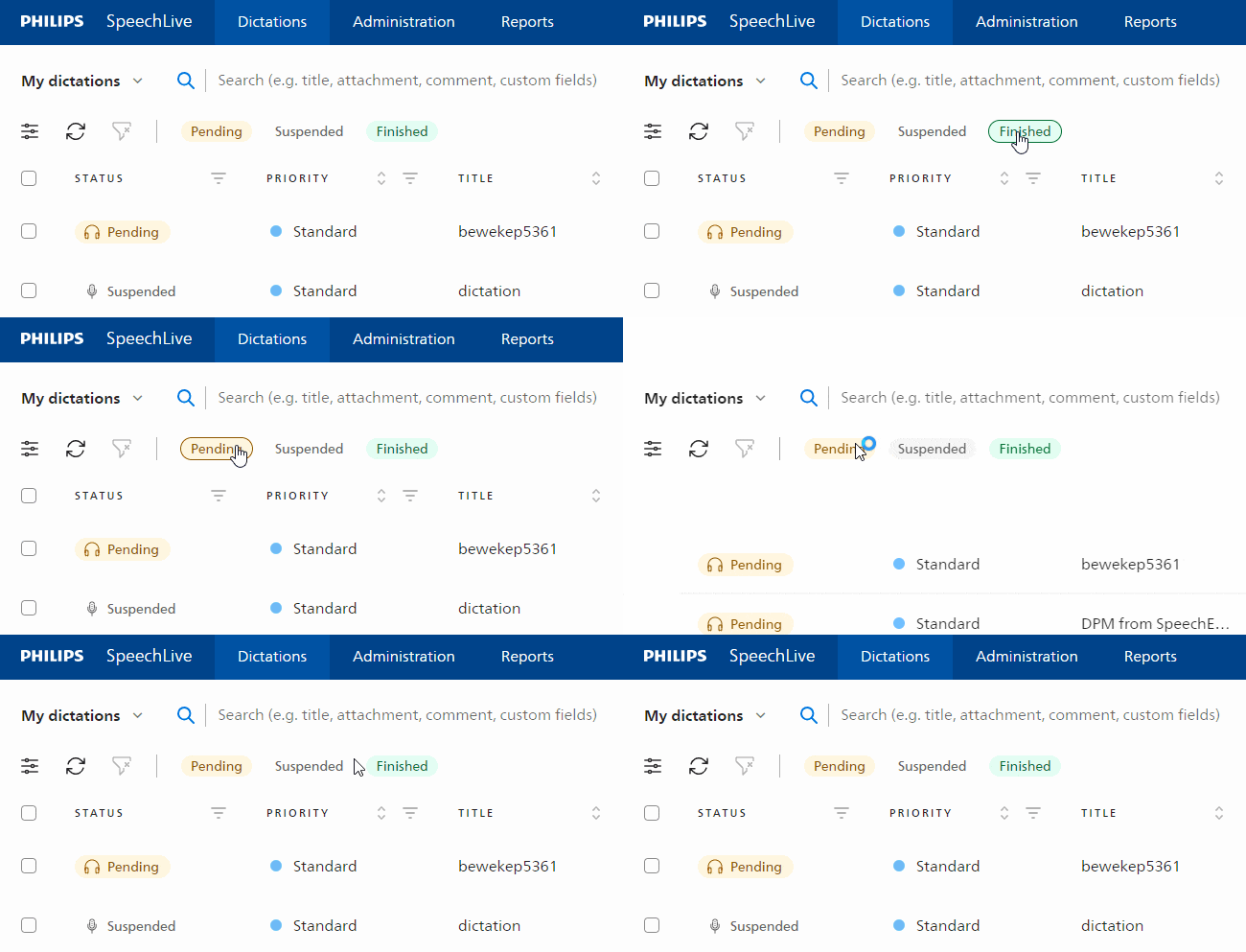
Quick filters
If no dictation is selected in the dictation list, you can access the quick filters at the top of the dictation list. This allows you to quickly filter by pending, suspended, or finished dictations.
Change sorting
Click on any header in the dictation list to change the sorting. By clicking once you change the sort order to ascending (e.g. A-Z, 1-9), by clicking again you change it to descending (e.g. Z-A, 9-1) and by clicking a third time the sorting is reset back to default.

Advanced filters
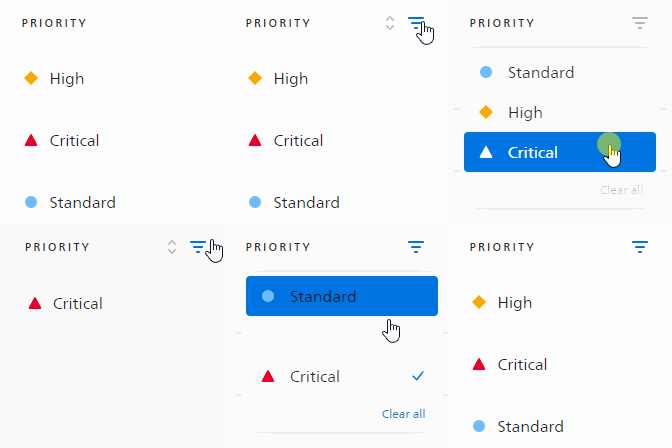
You can also use advanced filtering options. All columns that support advanced filtering display the filter icon
 . Click on the icon and you can choose the available filter options.
Now you can, for example, display only the dictations with the priority Critical or only the dictations that were recorded within a certain period of time.
Customize columns
You can customize the order as well as the displayed columns in the dictation list. Open the
 Settings in the toolbar and manually drag and drop the columns.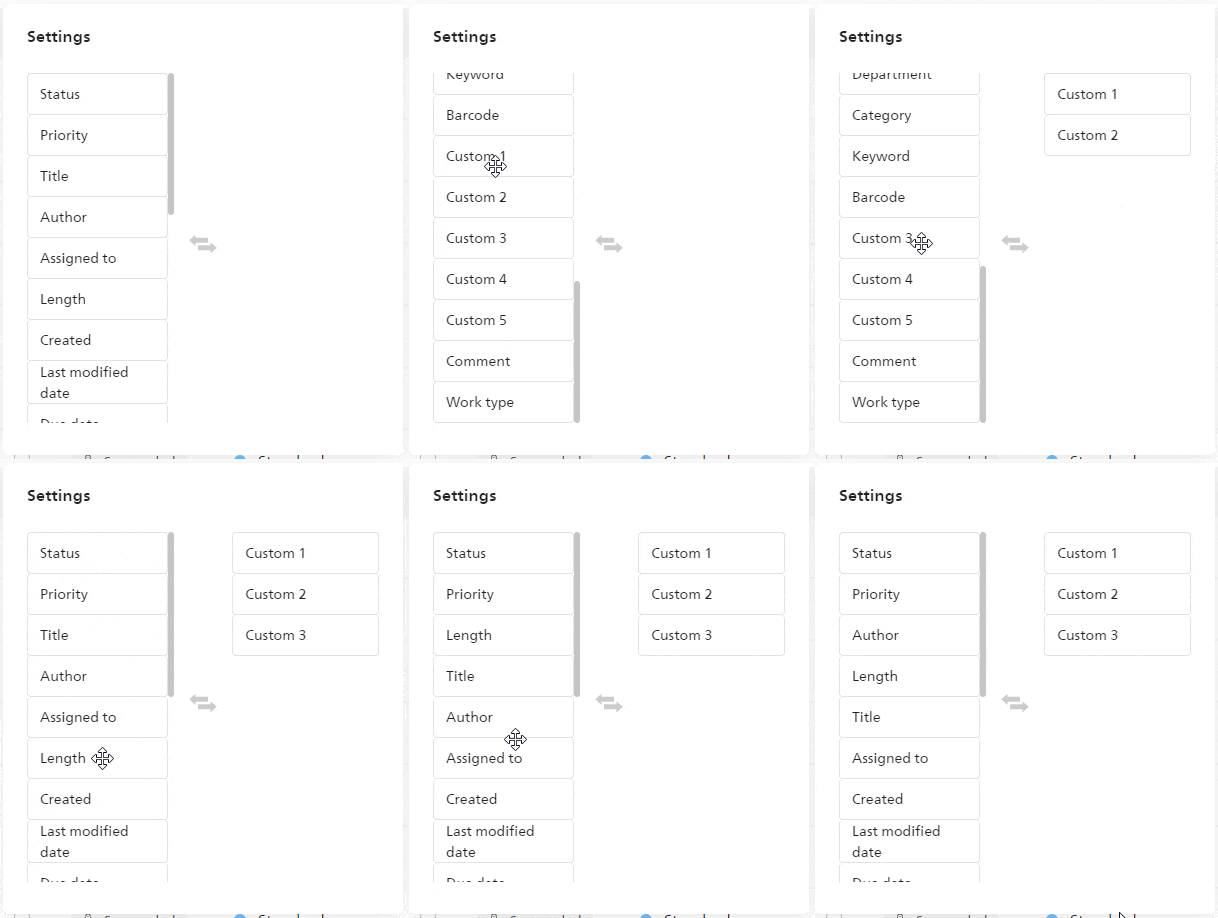
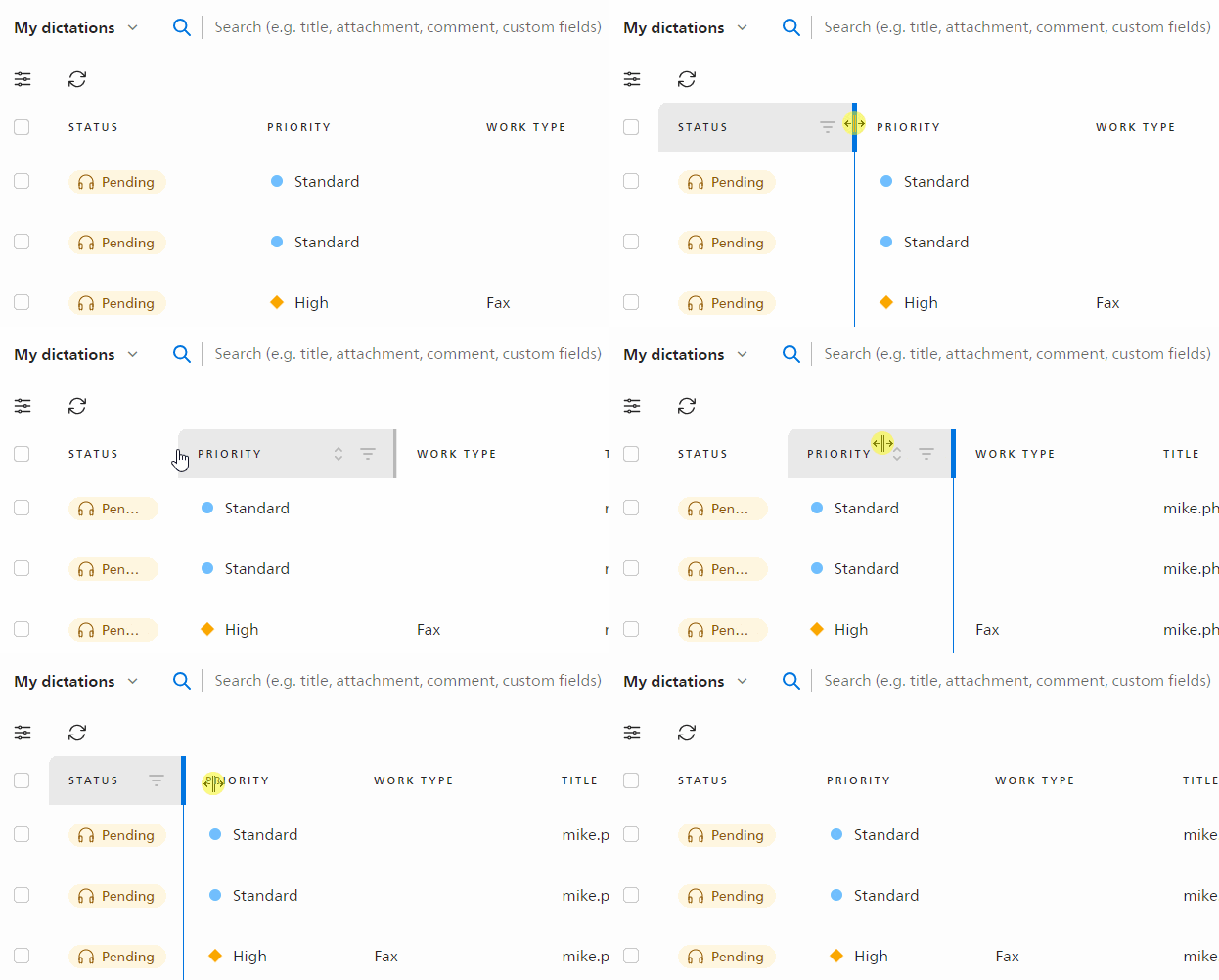
Resize columns
You can easily adjust the width of the table columns by clicking and dragging the space between the columns to the left or right.