Unsupported file format
The new SpeechLive Web App is currently in beta, and we are still improving it and adding new features. This means that some audio files are not yet fully supported. However, we do offer some alternative methods to and convert audio files:
The manual upload function of SpeechLive automatically converts various audio formats including DS2, so you can continue working on your dictations in the SpeechLive web player.
Navigate to the Dictations tab and click on the arrow in the corner of the
 New dictation button.
You can use the arrow in the corner of the button to switch between
New dictation,  Speech recognition or
  Upload.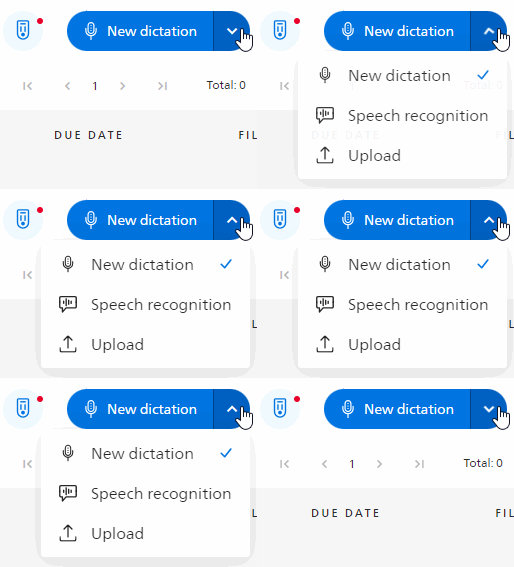
Choose
Upload.Add the files in the upload field. You can either drag them there, or click the field to select them from your computer.
Click Upload to upload the files you selected / added.
You will see a list of all the files you added.
Files that could not be uploaded will be marked. You can retry to upload them or remove them.
Files that could not be uploaded will not be processed when you proceed with Confirm.
Click Confirm to add the files you uploaded to your dictation list.