Change dictation priority
You can change the priority of your dictations:
New dictation
Existing dictation
Navigate to the Dictations tab and choose a dictation in the list. The dictation opens on the right side of the screen.
Click on
 , so you can edit the dictation.
Scroll to the Properties and click on the Priority field, here you can choose between
 Standard,
  High or
  Critical.
X Save your changes by clicking on
 .
.
Bulk action
You can also select multiple dictations at the same time and perform a bulk action on them:
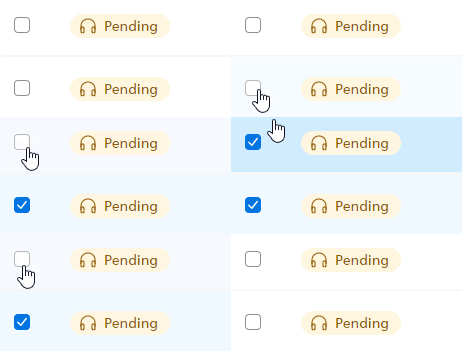
Click on the checkbox next to a dictation to select it. This way you can also select multiple dictations at once.
Click Prioritize
 in the toolbar.
X A new window opens where you can set the priority for the dictations you just selected. Confirm the new dictation priority by clicking OK.
