Send dictations to SpeechLive speech recognition
Note
Account administrators or office managers can activate different types of speech recognition for you. See Activate speech recognition for users for more information.
Every SpeechLive workflow user receives 200 free SpeechLive speech recognition minutes to try out speech recognition
The remaining trial minutes will be displayed when sending a dictation to speech recognition or using the real-time speech recognition function
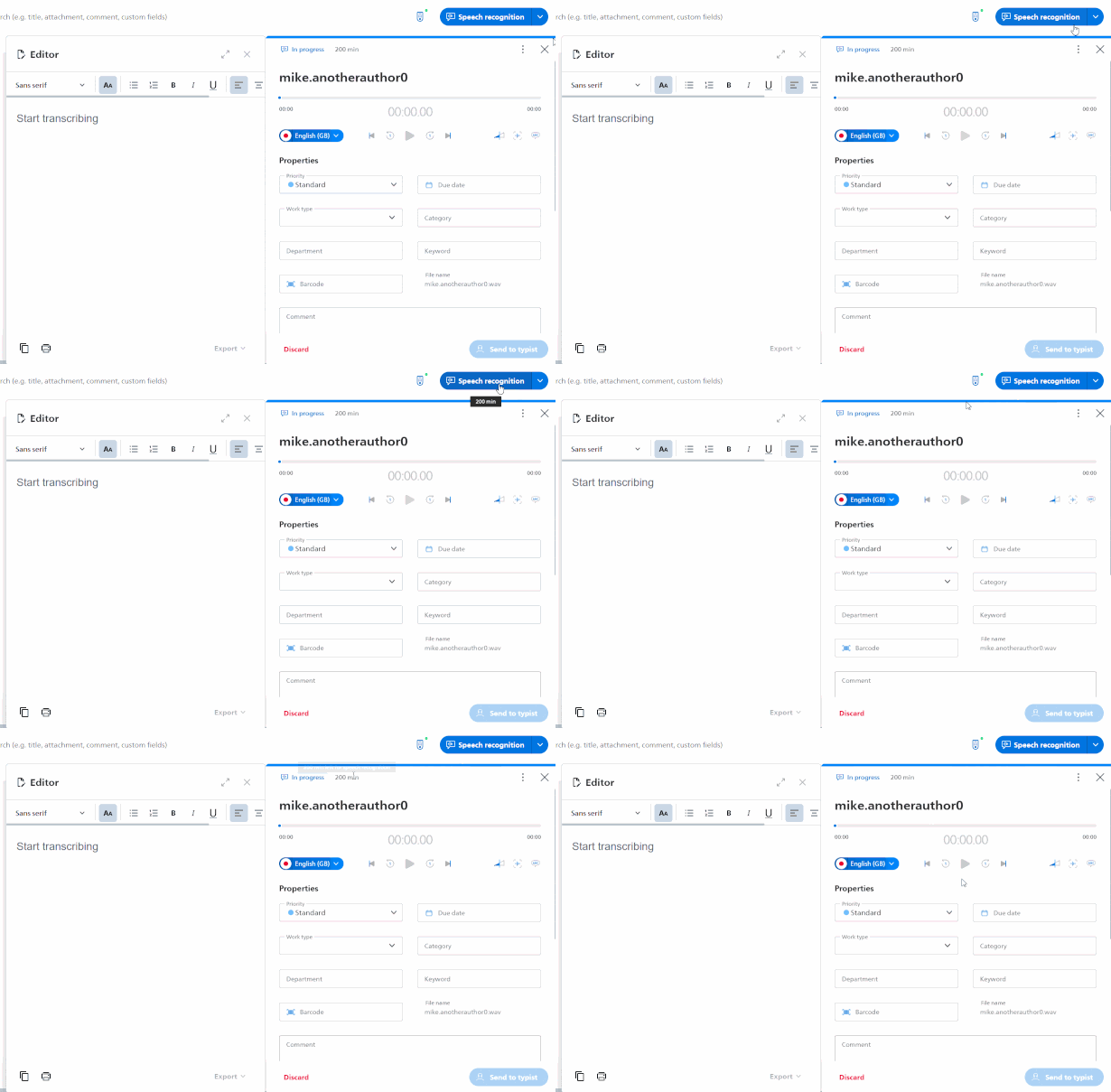
You can send dictations to speech recognition:
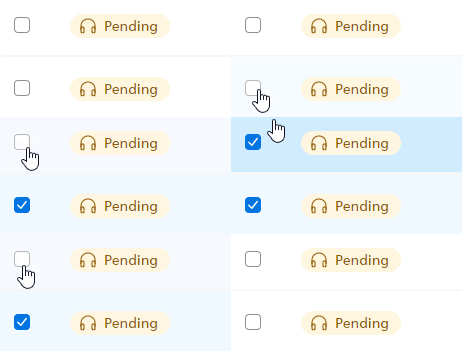
Click on the checkbox next to a dictation to select it. This way you can also select multiple dictations at once.
Note
You can only send dictations to speech recognition when they are in the Transcription pending state. See Phases and states for more information.
Click Send to speech recognition
 in the toolbar.
Choose the language of your dictation and the number of speakers, then proceed by clicking OK.
X The dictation will be processed and you'll receive back the transcript.