Player settings
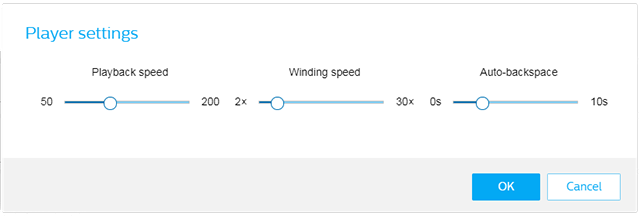
The Player settings button will bring up the player settings dialog.
Inside you can configure the following settings:
Item | Description |
|---|---|
Playback speed | This setting is used to adapt the playback speed of a recording to your typing speed. You can change the playback speed in a range from 50% to 200% of the original playback speed. |
Winding speed | Sets the speed for rewinding and fast forwarding through recordings. You can change the winding speed in a range from 2-30 times the playback speed. |
Auto-backspace | Use this option and specify the number of seconds to rewind a file when restarting playback. This helps you to easier find the position where you have last stopped your transcription. You can change the auto-backspace time in a range from 0-10 seconds. The default auto-backspace time is 2 seconds. NoteAuto-backspace only works if the playback is controlled with a foot control. |