How to change the priority level of dictations
Authors can set the dictation priority. This helps transcriptionists to prioritize dictations by sorting them by their priority.
To change the priority level:
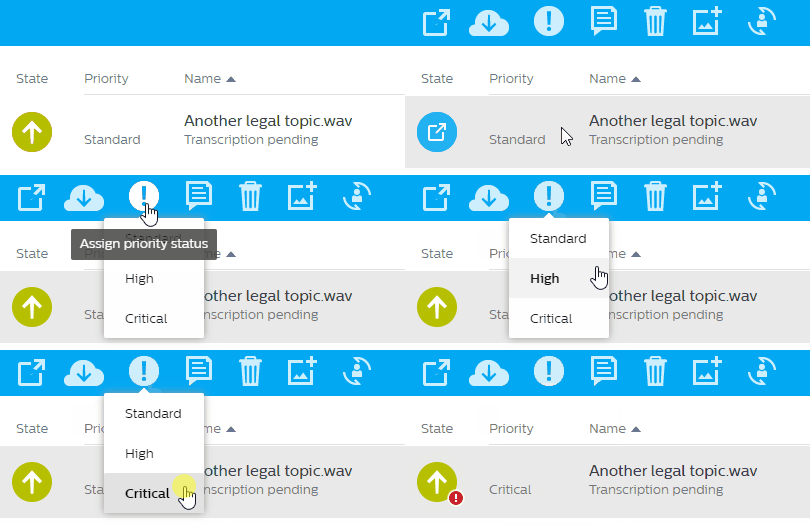
Select a dictation in the dictation list and choose Assign priority status
 in the toolbar.
or
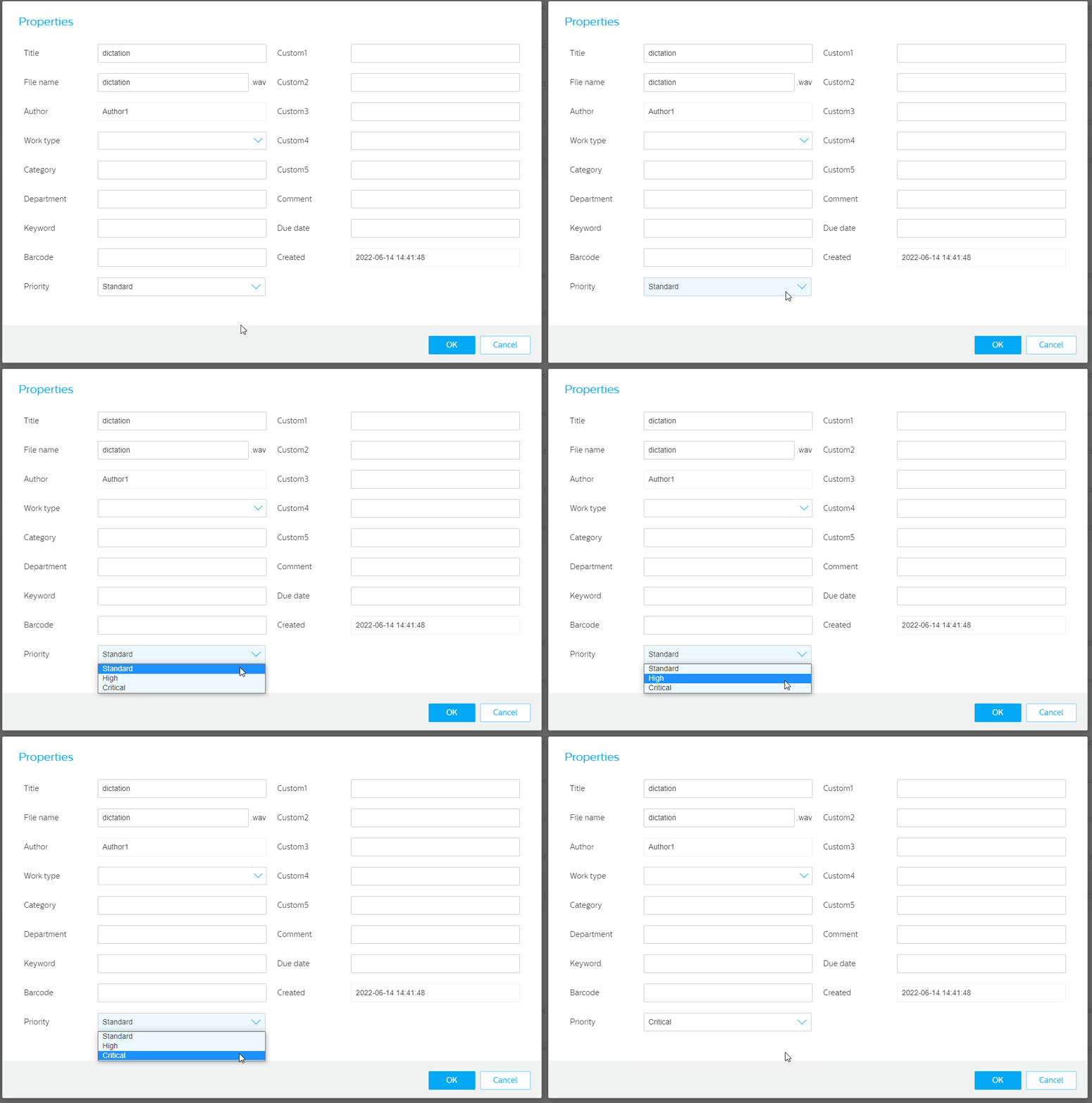
Open the Dictation properties
 , here you can set the Priority level.
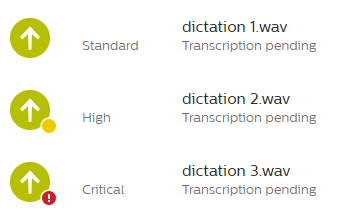
The priority level is also represented via different icons in the dictation list:
SpeechLive Mobile App
Choose a dictation in the dictation list or create a new dictation.
Tap on Properties at the bottom of the screen to open the dictation properties.
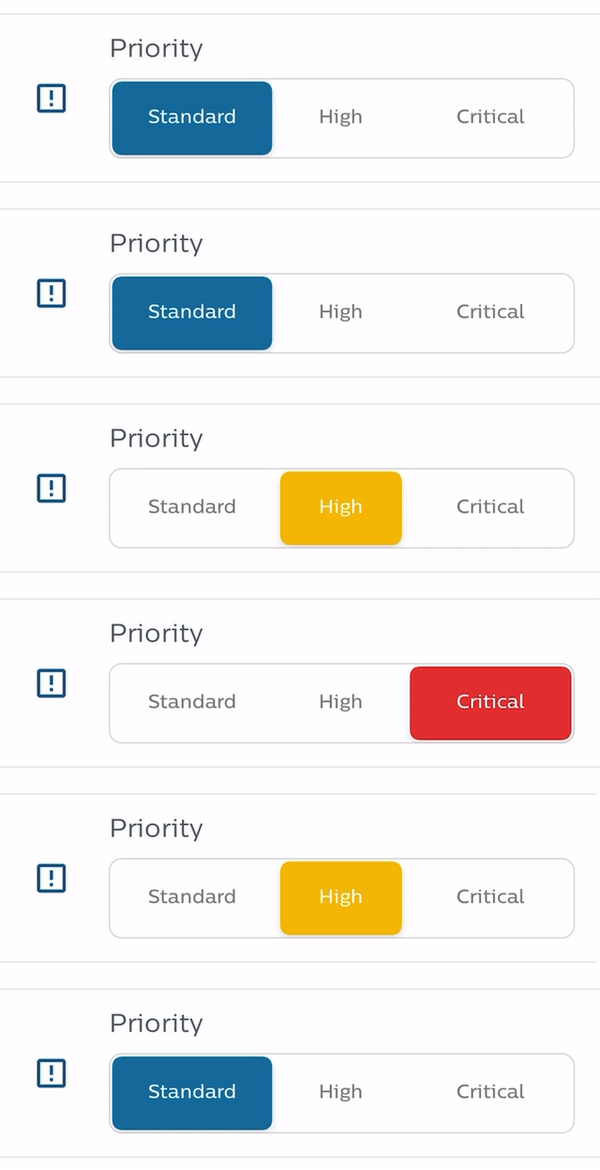
In the dictation properties, go to the Priority field and set the desired priority level.
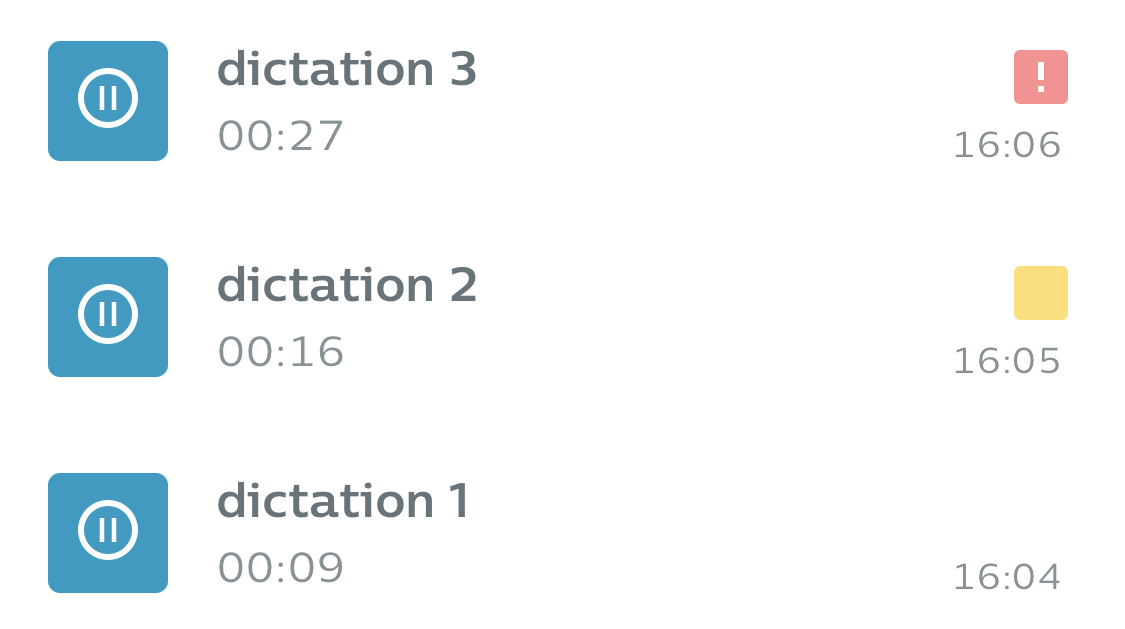
The priority level is also represented via different icons in the dictation list: