General Settings
In the General settings you can configure the automatic logout interval for all workflow users of your account when using SpeechLive web access.
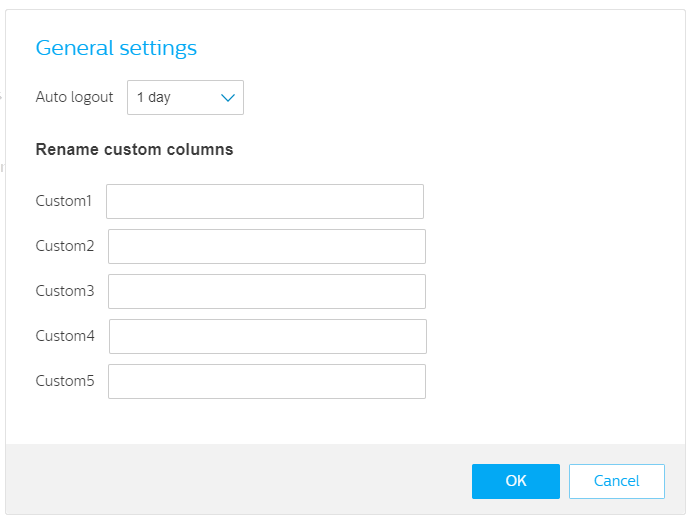
You can select between the following automatic logout options:
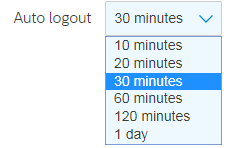
Click OK to confirm your selection
Note
For security reasons you will be logged out after 20 minutes of inactivity as an Account administrator.
Rename custom columns
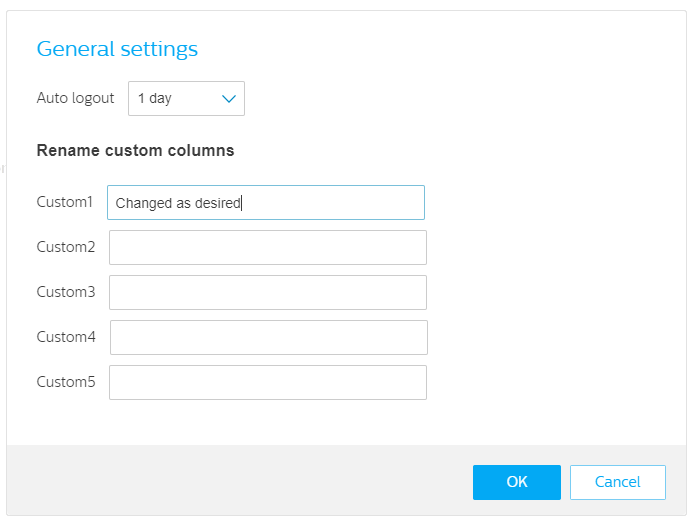
Here you can rename the custom columns of SpeechLive. You can enter the desired new name here and save the changes by clicking OK.
 |
 |