Sign in to SpeechLive
You can sign in to SpeechLive using different methods:
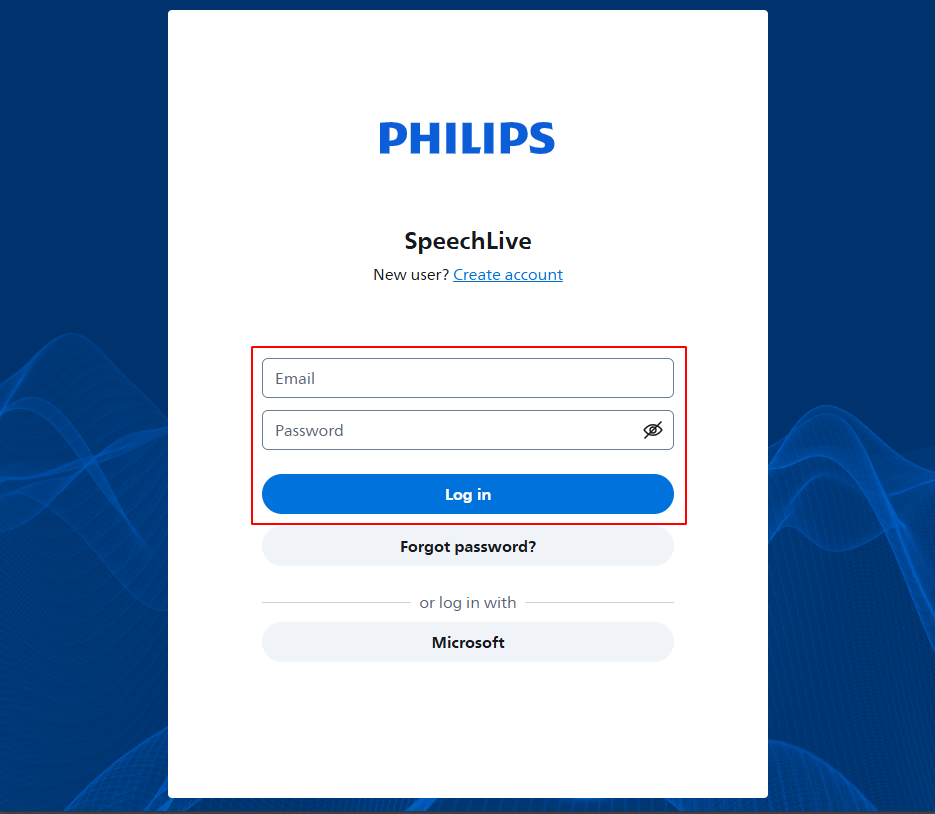 |
Enter your email address and password to sign in.
Note
The password was set by you when you received your SpeechLive invitation email, before you logged in the first time. For more information, see Account activation
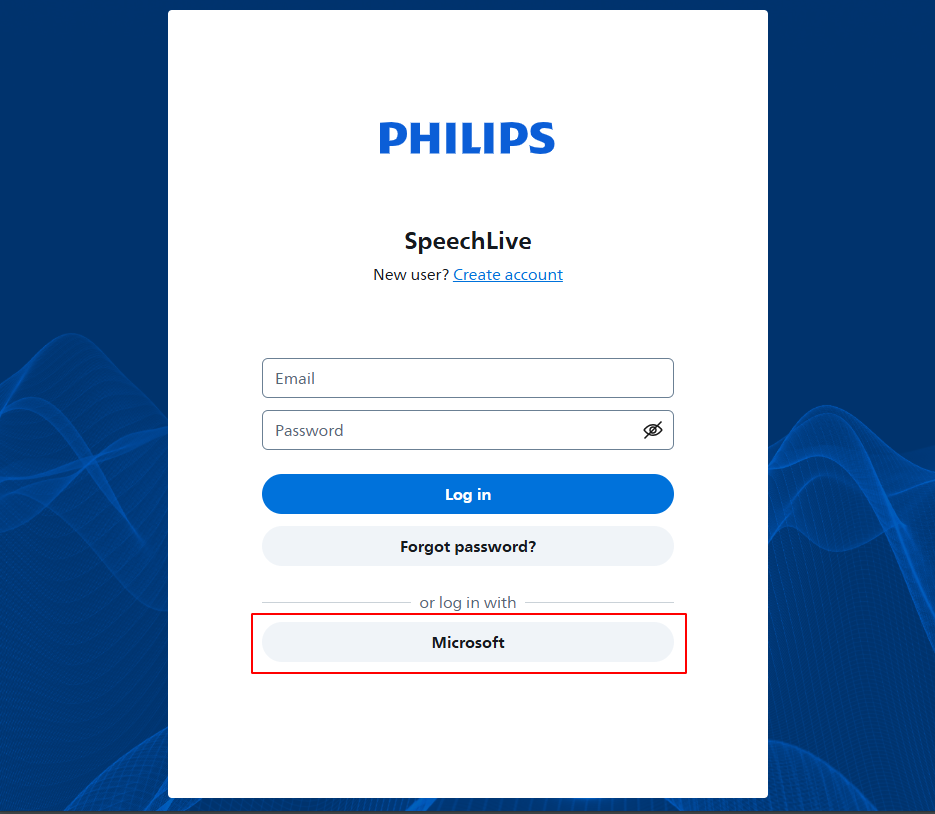 |
Sign in with your Microsoft account credentials.
Note
You can only sign in with your Microsoft account after your IT administrator added SpeechLive in Microsoft Entra ID (see How to set up Microsoft Azure Active Directory Single Sign-On)
Make sure to use your company Microsoft account to sign in
The security settings of your Microsoft account (e.g. multi-factor authentication) will also apply when you sign in to SpeechLive with your Microsoft account credentials